Now on Android
Everything to watch.
One place.
Search once. Choose a server. Watch in the best quality your plan allows, with a lounge to talk about it afterwards.
4.0 current version74.7 MB APKAndroid arm64
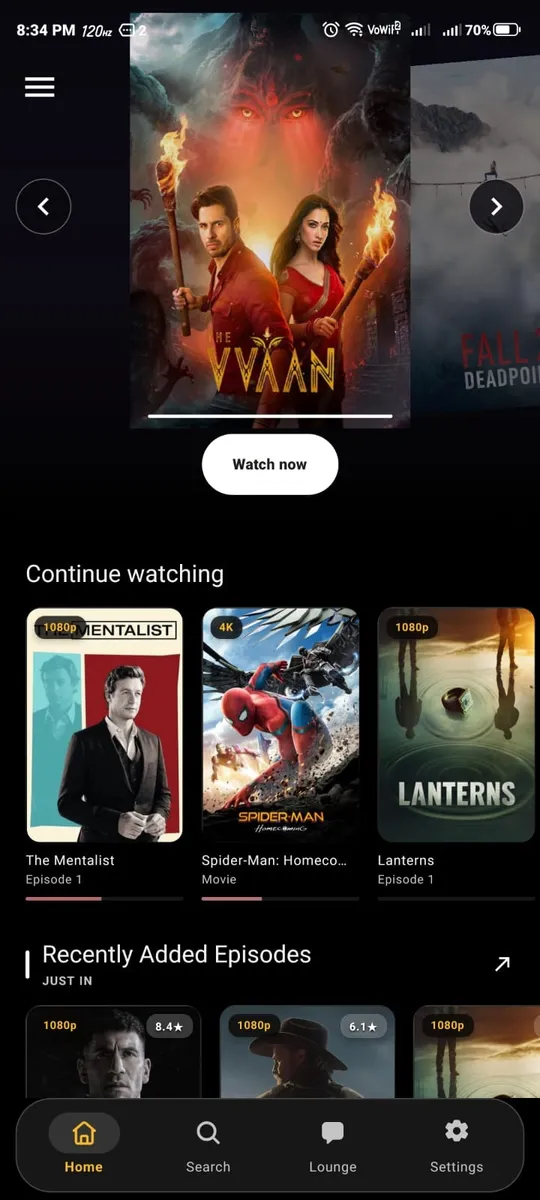
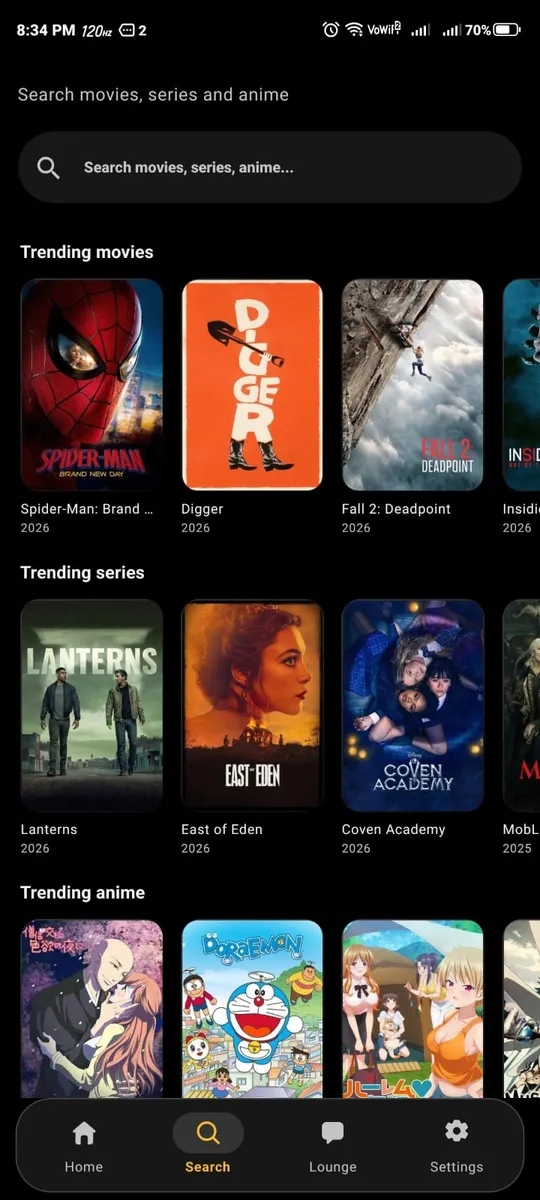
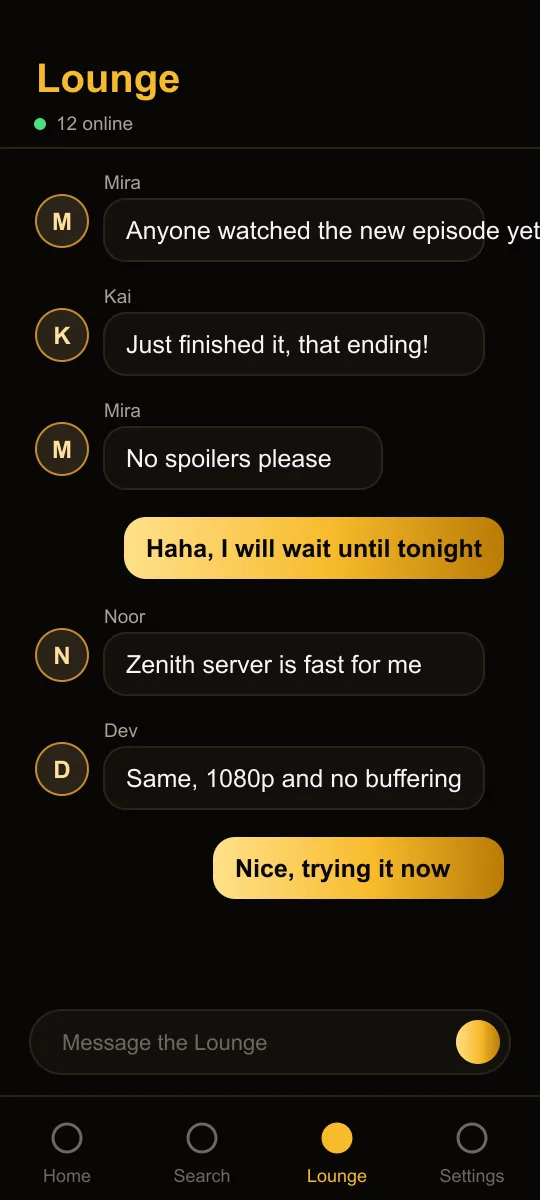
Home
Search once. Choose a server. Watch in the best quality your plan allows, with a lounge to talk about it afterwards.
Pick a server, set the quality, settle in.
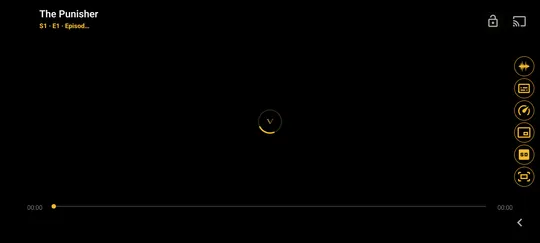
Quality, servers and next episode, one tap away.
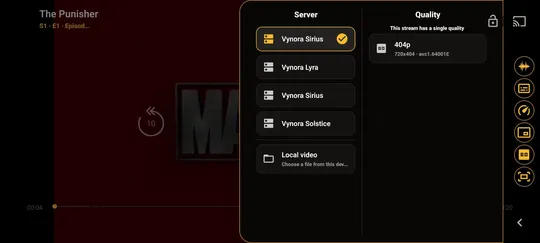
If one is slow, switch to another without leaving the title.
Start typing and suggestions appear straight away, with tidy titles instead of a pile of duplicates.
A chat room built into the app. Earn badges, stand out with profile styles, and find people who just watched the same thing.
Every account gets the whole app. Premium raises the ceiling.
Vynora installs from a file, so Android will ask you to allow it once.
Download the APK on your Android phone.
Open it and allow installs from your browser when Android asks.
Open Vynora, create an account and start watching.
721CF1D23BED14BF81065FEEAF863AC5B951B76E55247569B7C62810FEBFF095Vynora is distributed as a direct download rather than through an app store, so Android asks you to allow installs from your browser. You can turn that permission off again afterwards.
Compare the SHA-256 shown above with the file you downloaded. On Windows, run Get-FileHash on the APK. If the values differ, download it again.
This build is for 64-bit Android phones (arm64), which covers nearly all recent devices.
Free accounts use one device and Premium accounts up to three.